New Students and Swansea University IT Account Information

Introduction

You are required to set up Multifactor Authentication (MFA) so that your account is secure. MFA allows you to verify your identity using security information or authentication methods. It is a required step in setting up and maintaining your account.

Setting up MFA to prove your identity will also allow you to reset (in the case of a forgotten password) or change your password by using Self Service Password Reset (SSPR) at any time without needing further assistance. For more information about how to set up MFA click here.

If you require further assistance, please contact the Digital Service Desk.  Please note that for calls relating to account security, you will need to phone us on 01792 604000 so that we can verify your identity.

Important Information

Existing Students IT Account Information

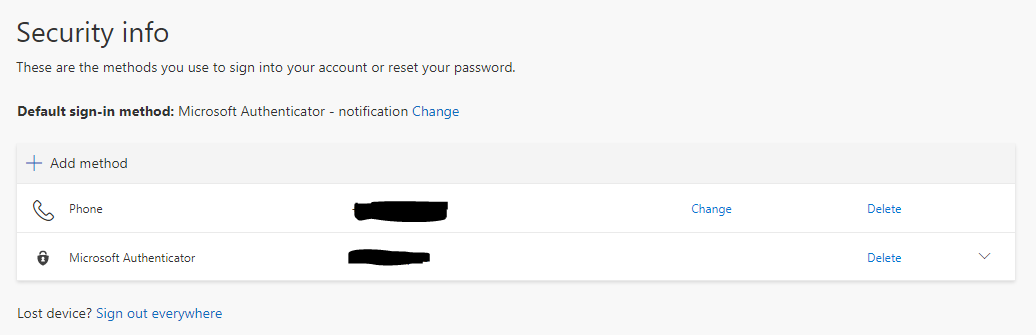
You can control your MFA methods at any time by logging in to MyApps and selecting Secure My Account. You will receive an MFA prompt.

You can then use the Add Method option under your Security info and follow the on-screen instructions. You can also choose to delete a method (for example, a phone number you no longer use) and change your default option. We recommend using either the Microsoft Authenticator – notification or phone call options as these allow you to use the Remote Access PC service.

A screenshot of a Security Info page. The Default sign-in method is Microsoft Authenticator - notification. A redacted phone number is also featured

Please note: if you intend to change your device or phone number, please ensure you have added a backup / secondary method so you can access to your account.

What happens to my account when I leave the University? Find out what you need to do before your account closes

Account Security